The District website runs on a platform called ClubRunner — the same system used by many Rotary clubs across the globe. ClubRunner is an all-in-one membership management platform designed specifically for Rotary. It allows clubs to stay connected, manage their membership, maintain a website, and communicate effectively — all in one place.
If your club uses ClubRunner, you can update your personal information directly through your club’s site. These updates automatically sync with the District site and My Rotary, ensuring consistency across all platforms. Club Presidents, Secretaries, and Membership Chairs have special access to update member data at the District level as well.
Keeping your information up to date is important. District communications rely on the data stored in ClubRunner. Accurate details ensure you stay informed and connected with everything happening in your club and District.
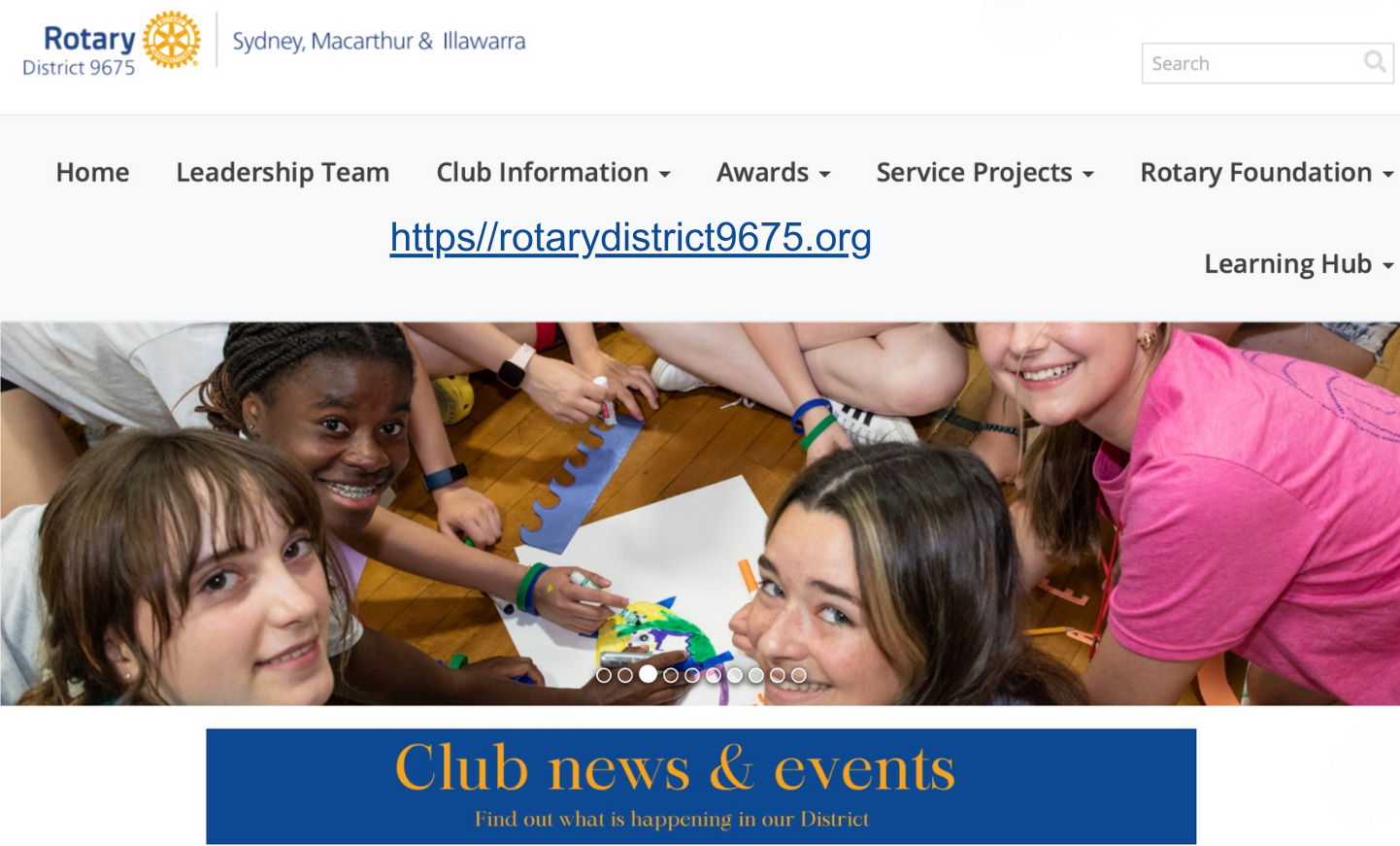
It is important to be able to access the District Website. There is up to date information on all the goings-on in the District. You can access the District Calendar and find information about District programs. The website is your go-to place for information.
Logging on to the website
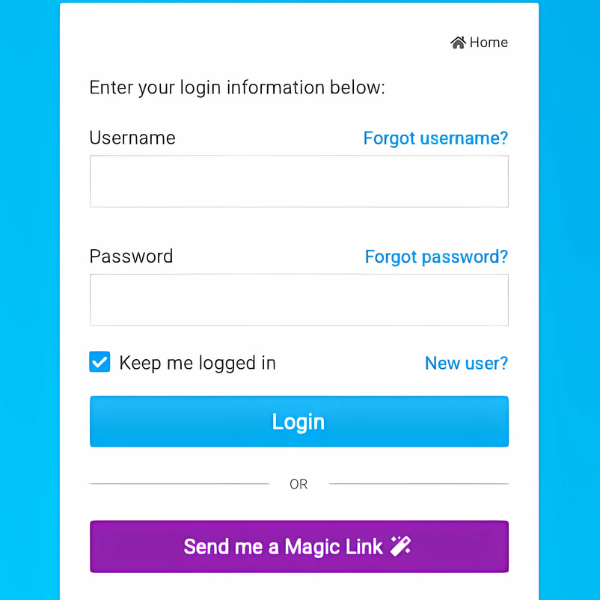
To log in to the website you need a user name and password. When you joined you would have been sent information on how to log on to the site. If you are having any problems there will be someone in the club to assist you. If you forget your user name or password you can retrieve them.
Where is my information?
Once you have logged in to the District Website you can access your personal information. This will enable you to check your details are correct and change your password if necessary.
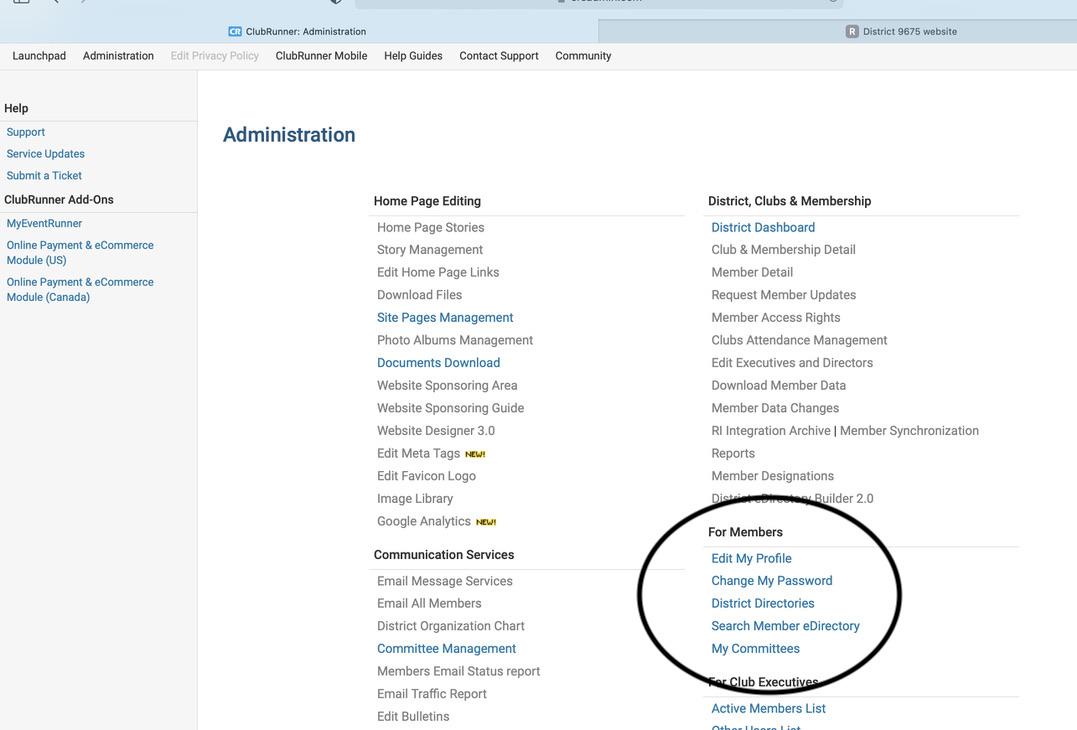
Go to Member Area and you will see this page. You have access to any items that are in blue. This varies from member to member depending on administrative rights.